Steps to follow
- Open Profile > Health Connection and check the connection. Use Connect if setup is incomplete and review the step permission prompts.
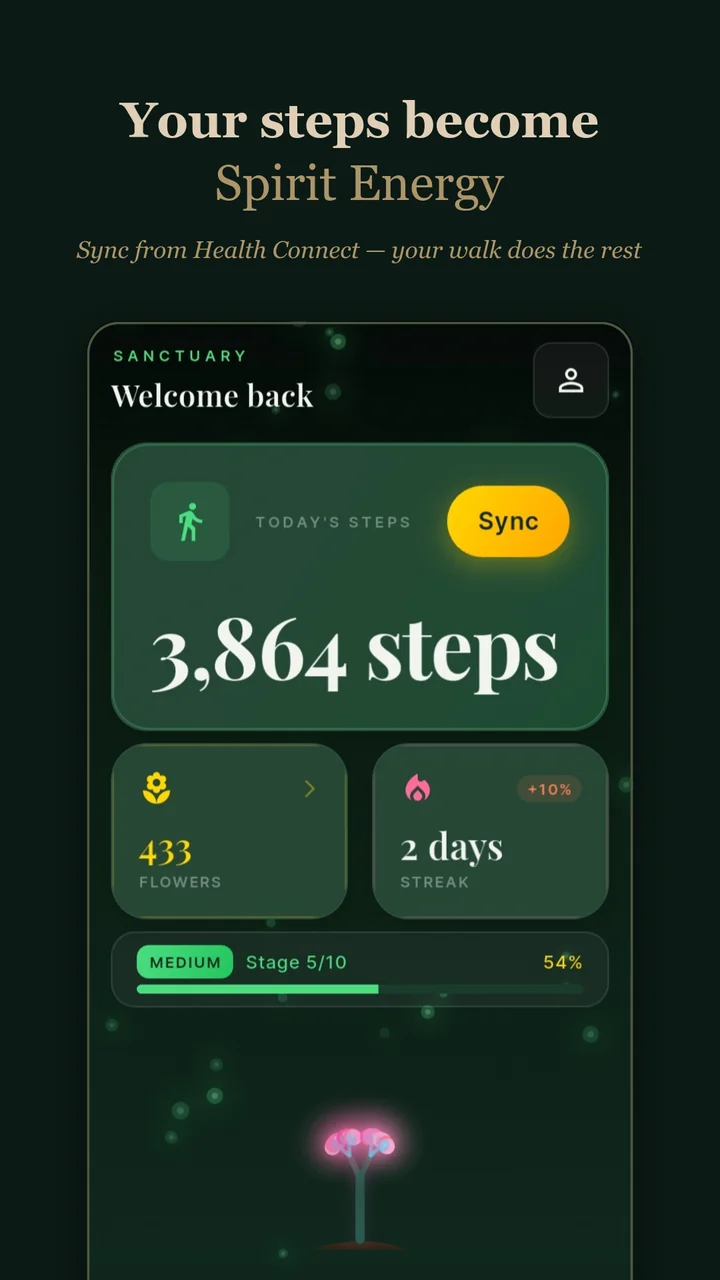
- On Home, Waiting for Health Connect… or No steps available from Health Connect yet means no usable reading is available. Check that your supported health data source has recorded steps. Manual step entries do not earn Spirit Energy.
- Reconnect to the internet, return to Home and tap Sync. Your garden may update after syncing and server validation rather than after each physical step.
- If Background sync > Allow is available, review that option. Device and permission limits can prevent background updates; try Home > Sync while the app is open.
What to keep in mind
Accepted steps and progress are validated by the server. A difference between a health source total and Sanctuary progress does not guarantee missing rewards. If the issue continues, include your device, app version, approximate time and what you tried when contacting support.
Read the privacy policy and terms of service for the full disclosures.