
Health Connect step sync
On Android, connect Health Connect and allow step access. Eligible step totals sync to the server for validation and Spirit Energy calculations; manual step entries do not earn energy.
Inside Sanctuary
A focused set of features that connects your everyday steps to a garden with a life of its own.
On Android, connect Health Connect and allow step access. Eligible step totals sync to the server for validation and Spirit Energy calculations; manual step entries do not earn energy.
Your garden has Small, Medium and Large plants. Begin with Small; Medium unlocks after the Small level-10 harvest, and Large after the Medium level-20 harvest.
Spirit Energy routes to the current plant. Ten stages lead through each level, with milestones along the way. The server harvests completed plants and begins the next cycle automatically.
Check the app for your daily reward and follow your activity streak. Availability and bonuses follow the app’s current rules; opening the website does not earn a daily reward.
Harvests add flowers to your balance. Browse rewards in the app and review the flower cost, eligibility, availability and redemption terms before you choose an offer.
Sanctuary does not need GPS to turn steps into garden progress. Step information is processed by the backend to validate progress and rewards. See the privacy policy for the full data practices.
Progress that makes sense
You do not need to manually distribute energy, select a plant for each walk or tap to trigger a harvest. Your current target and progress come from the server, and the app shows the result when it syncs.
Step syncing depends on your permissions, supported health data, connectivity and validation. Your garden may update after syncing, rather than immediately after each physical step.
Follow a full growing cycleA garden of your own
Five screens from the Android app, from your first welcome to a history of every harvest.
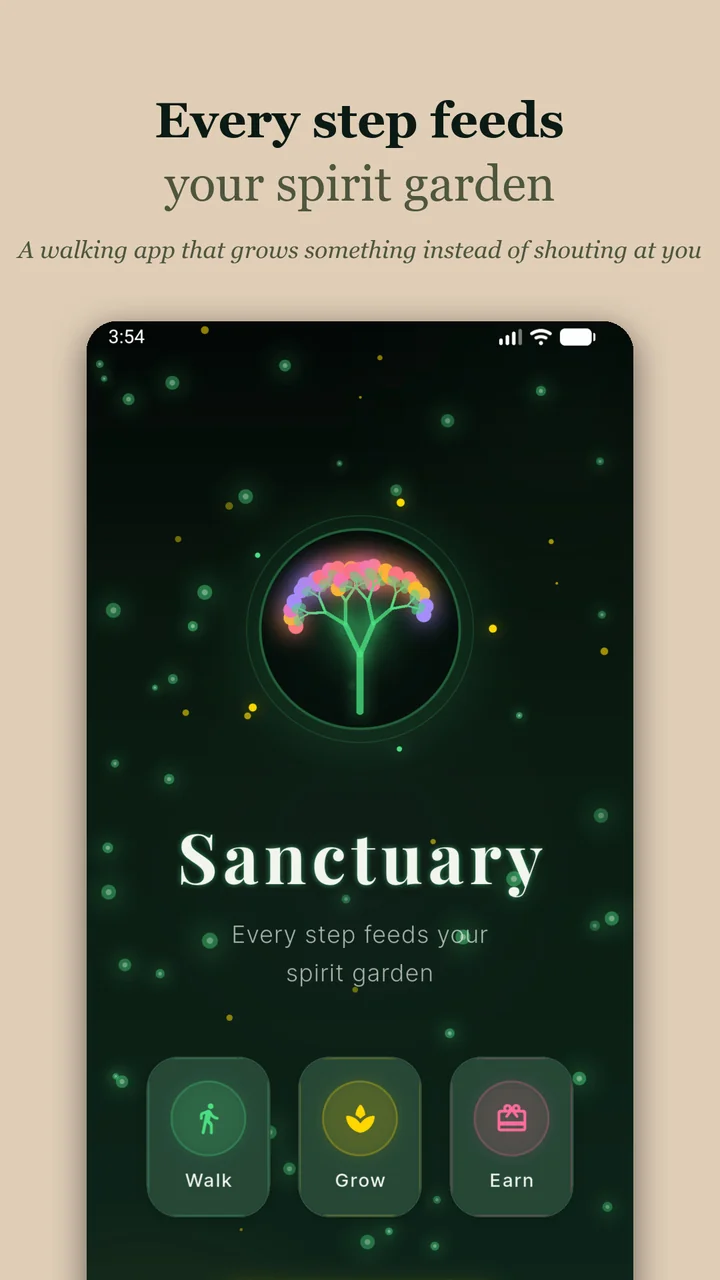
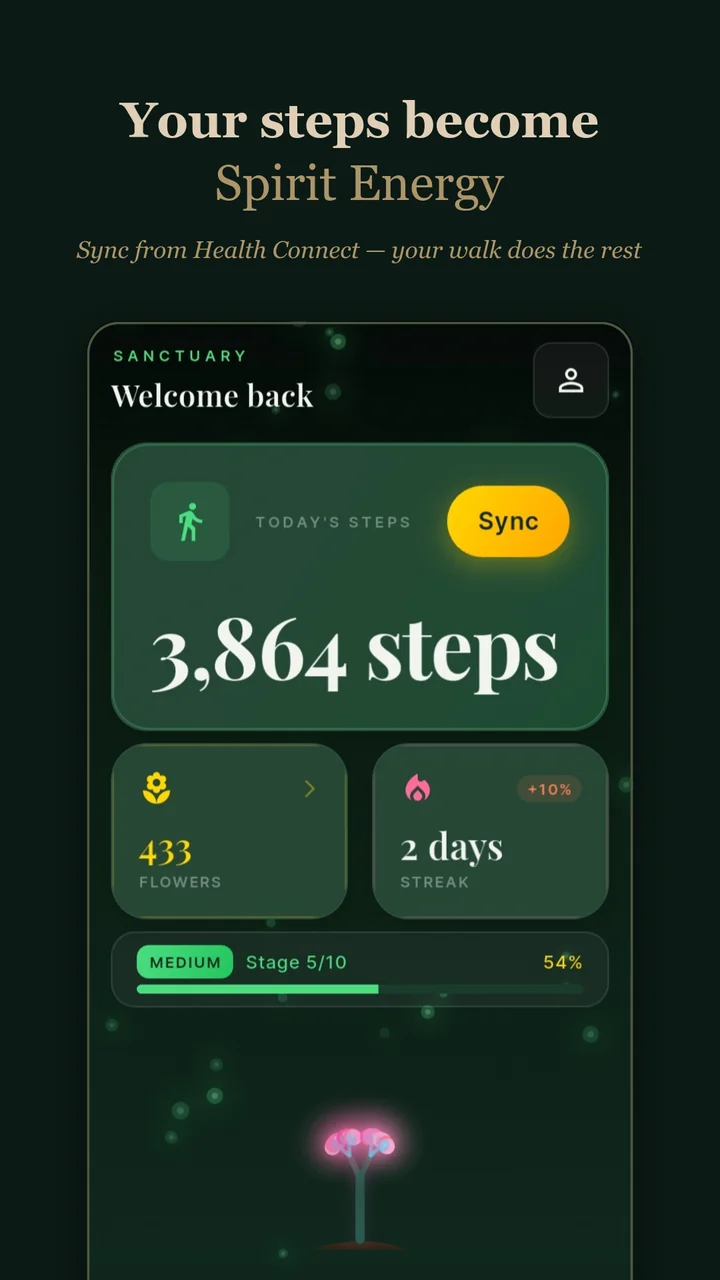
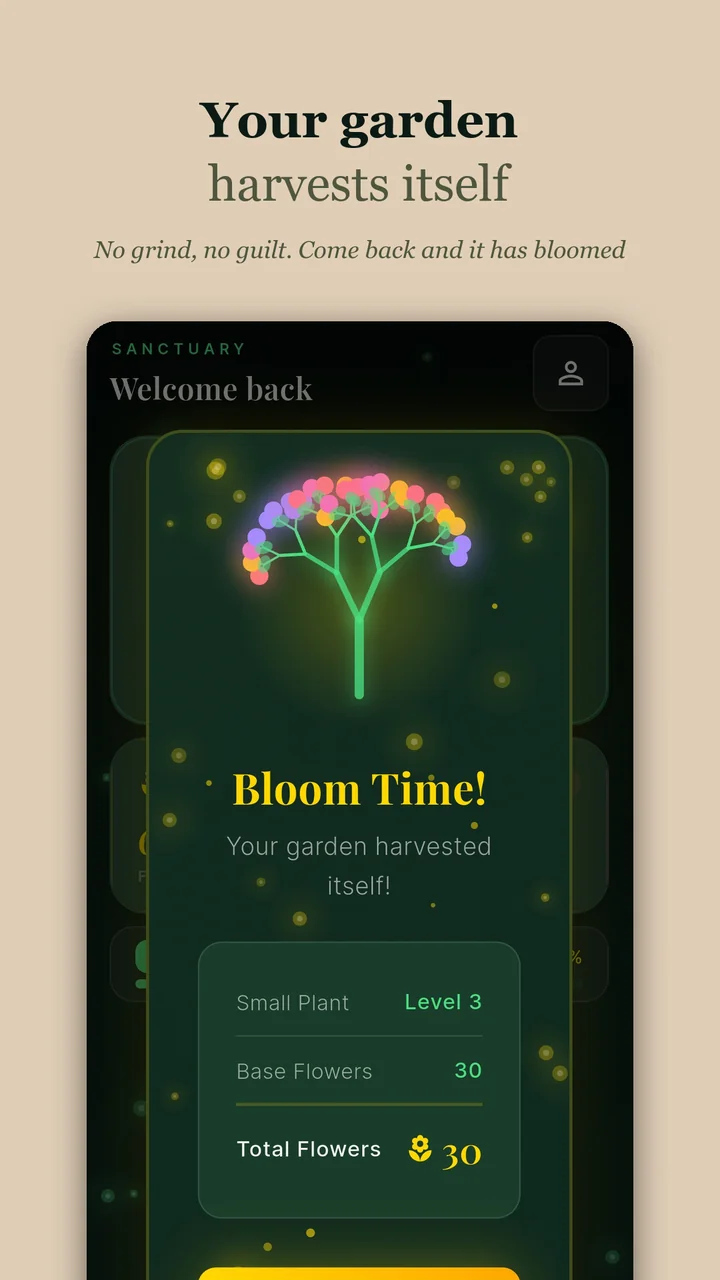
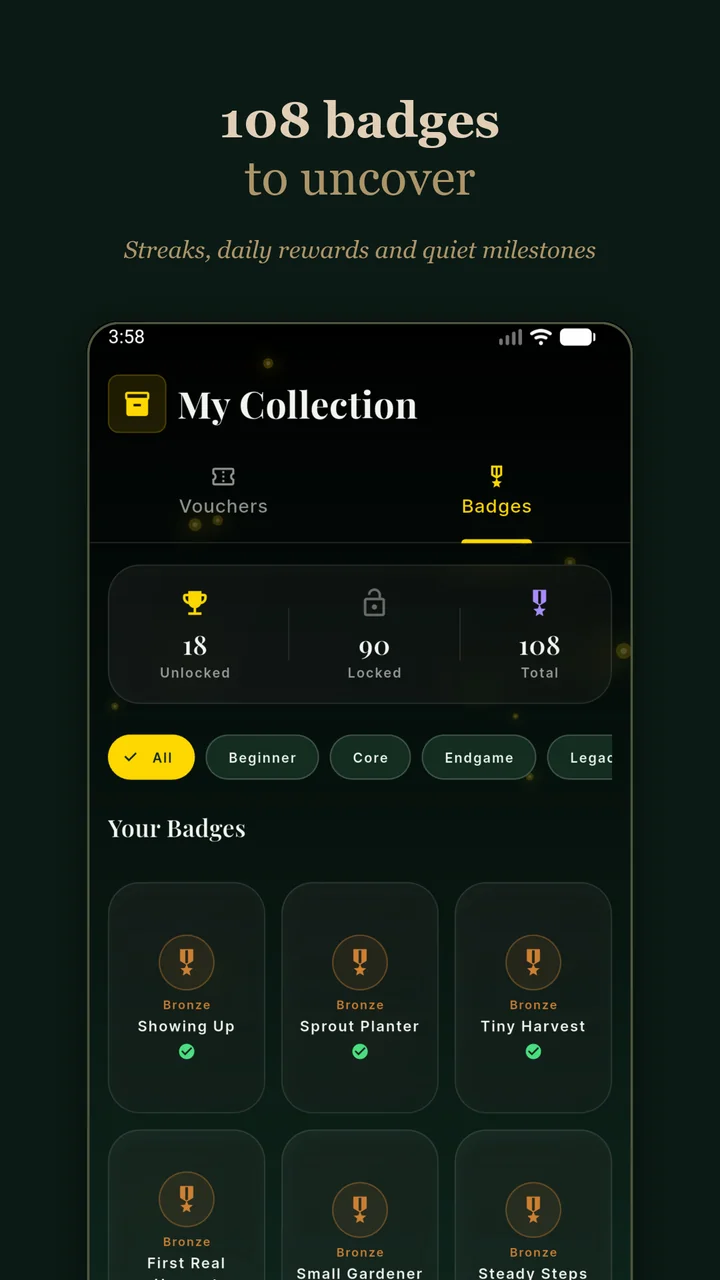
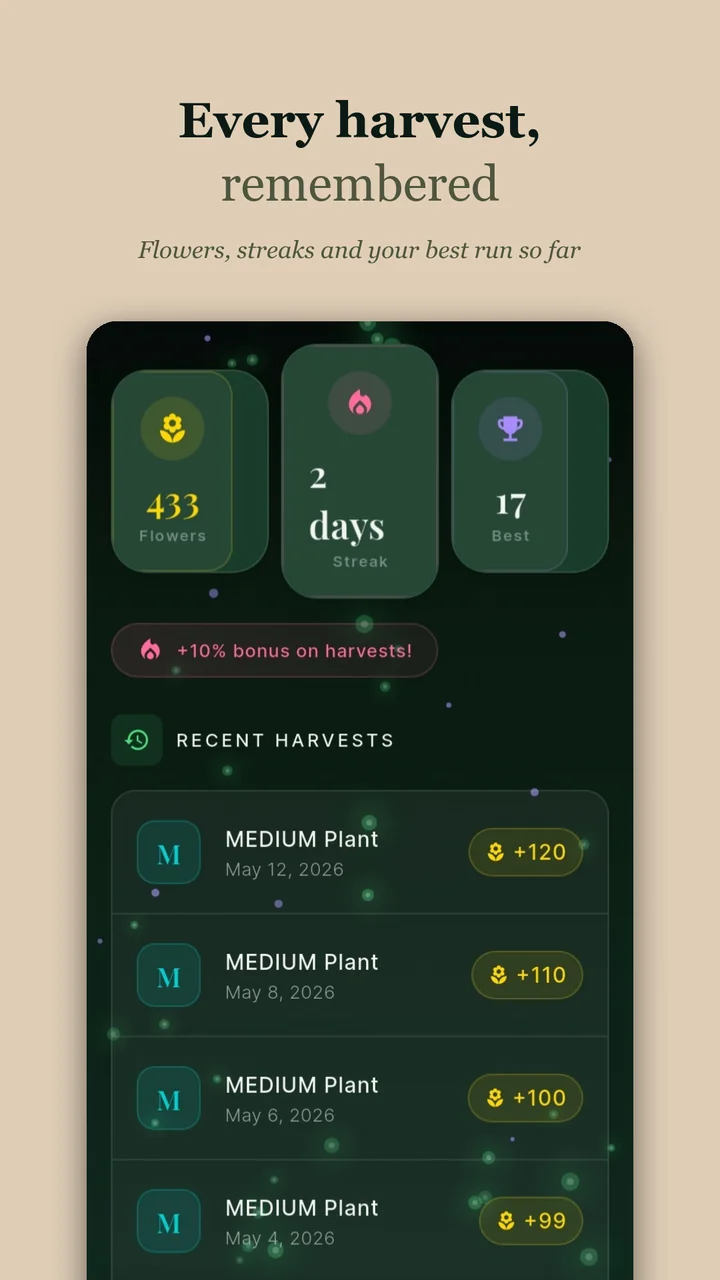
Official phone marketing screenshots published on Google Play. App layouts may vary by device and version. Illustrated progress, balances and rewards are examples; current availability and terms apply.
Sanctuary is available on Android through Google Play. The iOS version is in development. Check Google Play for current device compatibility and install details.
Download SanctuaryOur support page explains how to ask about health permissions, step syncing, rewards or your account. The existing privacy policy, terms and account-deletion instructions remain available here.